- How EXIF, XMP, IPTC and PNG text records differ.
- What real-looking field patterns can look like in a camera original, edited export, workflow PNG and screenshot.
- A five-step method for separating a stored value from the history you might be tempted to infer from it.
Metadata is a family of records, not a single source of truth
| Family | Typical role | Examples |
|---|---|---|
| EXIF | Capture and camera-related technical information | Make, model, exposure, orientation, capture time, GPS when recorded |
| XMP | Extensible creative and asset-workflow metadata | Creator tool, descriptions, dates, rights and application-specific properties |
| IPTC | Editorial and administrative photo information | Caption, creator, location, keywords, credit |
| PNG text chunks | Text records stored in PNG containers | tEXt, zTXt, iTXt, application-defined workflow information |
The most important question is not simply “is there metadata?” It is which structure produced this value, and what kind of statement is that structure capable of making?
Four files, four different metadata stories
These examples are illustrative field patterns. Exact keys and values vary by device, app, export option and file format.
Capture context
Make: samsungModel: …DateTimeOriginal: …GPSLatitude: … if location tagging was enabled.
Software declaration
You may see a Software or XMP CreatorTool value naming an application. It supports that a declaration was written or preserved — not that the app created the original scene.
Application record
Some tools, including documented ComfyUI workflows, can store prompt- or workflow-related information in PNG text records. Presence is useful; absence is not a universal “not AI” verdict.
New capture context
A screenshot is a newly created image. The original camera EXIF is not simply copied as the camera history of the screenshot. Dimensions and metadata now describe the new capture workflow.
Partial survival
A messaging or social route may preserve, rewrite or discard different fields. The returned file must be inspected; the platform name alone is not enough.
Silence is ambiguous
No software tag can mean “not recorded,” “removed,” “not copied,” or “written elsewhere.” Missing metadata is not an untouched-original certificate.
Read metadata in this order
JPEG, PNG and other formats expose different structures. Know what parser or section produced the value.
Record the key and value before interpreting it: for example, “XMP CreatorTool contains X.”
A camera, editor, export tool, platform or later application may have created or preserved the field.
Do dimensions, encoding state and other records tell a coherent story or create tension?
Do not turn “software X is declared” into “software X created every pixel,” or missing AI workflow data into “not AI.”
Why AI-workflow metadata is interesting — and limited
Generative-image tools can leave richer records than a simple software label. ComfyUI’s documented Save Image behavior is one example: workflow information can be embedded in PNG output so a workflow can later be referenced. That can be genuinely informative when present.
But a metadata record is not an independent origin oracle. It can be copied, stripped or modified. A generated image may lose recognizable workflow metadata after export, conversion, screenshotting or platform processing. The safe language stays specific: workflow metadata observed, declared tool observed, or no such record observed in this check.
Why the same-looking image can have different metadata
Saving through another application, format conversion, privacy cleaning, screenshot capture, cloud processing and social sharing can all change a file’s metadata while leaving the visible scene nearly unchanged. The reverse is also possible: metadata can survive after the pixels have been edited.
This is why metadata should be one evidence source among several. If the question is editing, read it alongside compression state, dimensions, software traces, watermark signals and available provenance.
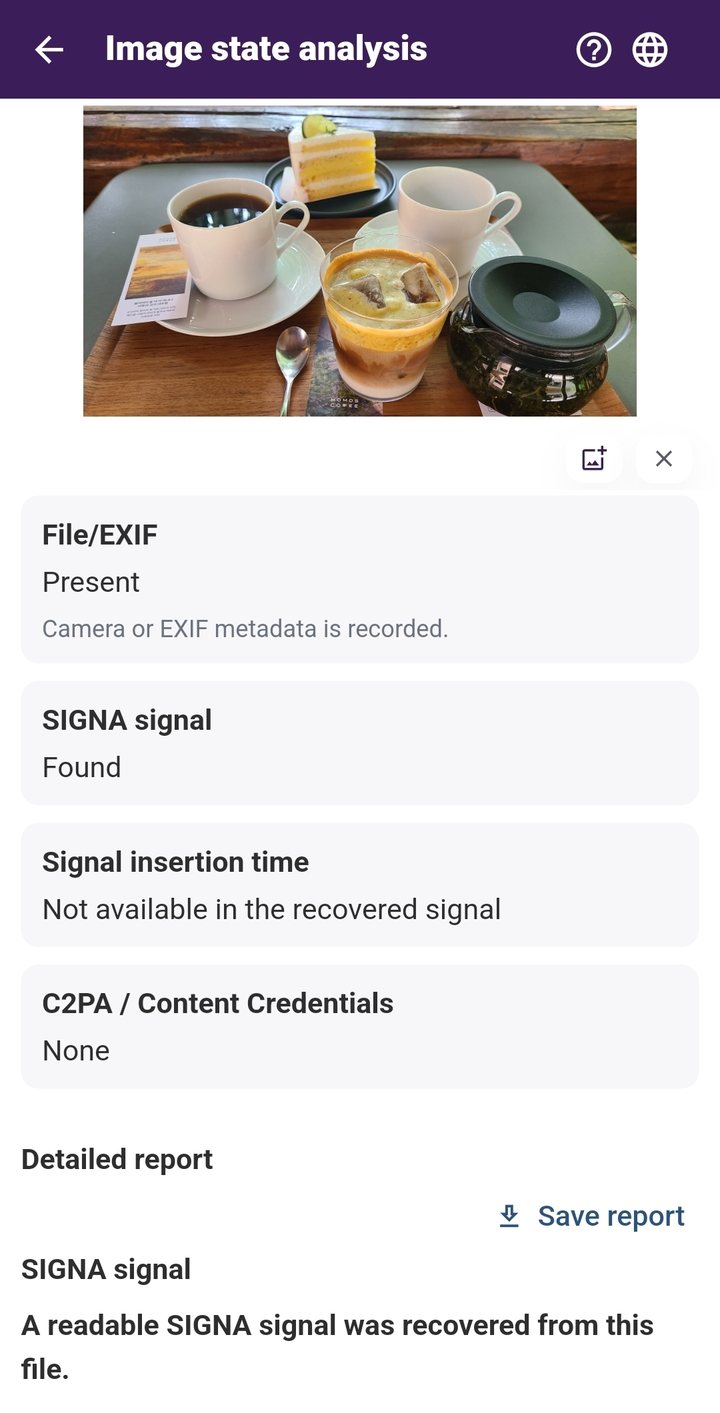
Use the free monthly allowance to try SIGNA with a photo you already have before deciding whether Pro is useful for you.
What metadata is good at
Metadata is valuable for context: capture settings, declared dates, location when stored, software declarations, editorial information and workflow records. It becomes misleading only when a valid observation is promoted into a stronger historical claim that the field cannot independently prove.
Preserve the value before telling the story.
If a report cannot distinguish “what was stored” from “what we infer,” it becomes easy to overstate weak evidence. SIGNA’s approach is to keep those observations separate.
Primary references
CIPA — Exif standards, including Exif Version 3.1
Adobe — Extensible Metadata Platform (XMP)
IPTC — Photo Metadata Standard
Review image information with SIGNA
With SIGNA for Android, you can review supported image information on-device and keep that inspection in the same workflow as visible watermarking and the invisible SIGNA signal. Check what the file contains now, then prepare images before sharing when you want an additional visible watermark or invisible signal.